Download the b9 app in about sixty seconds
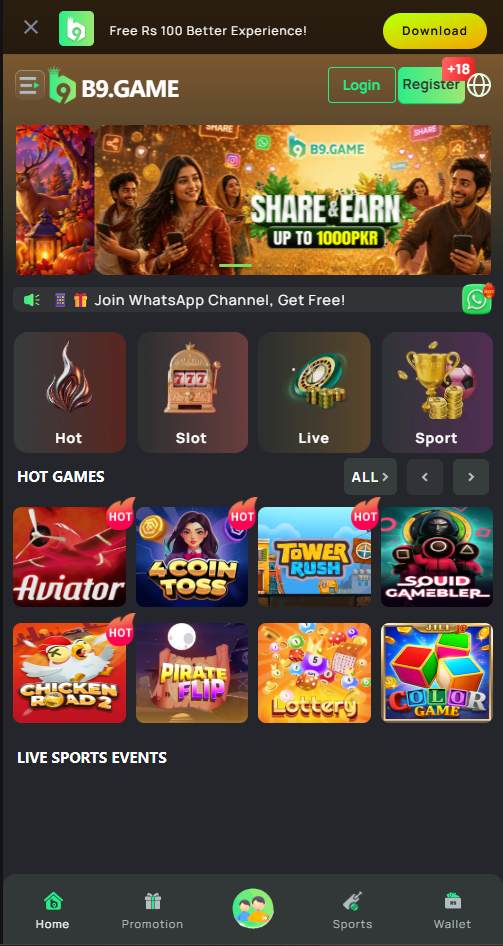
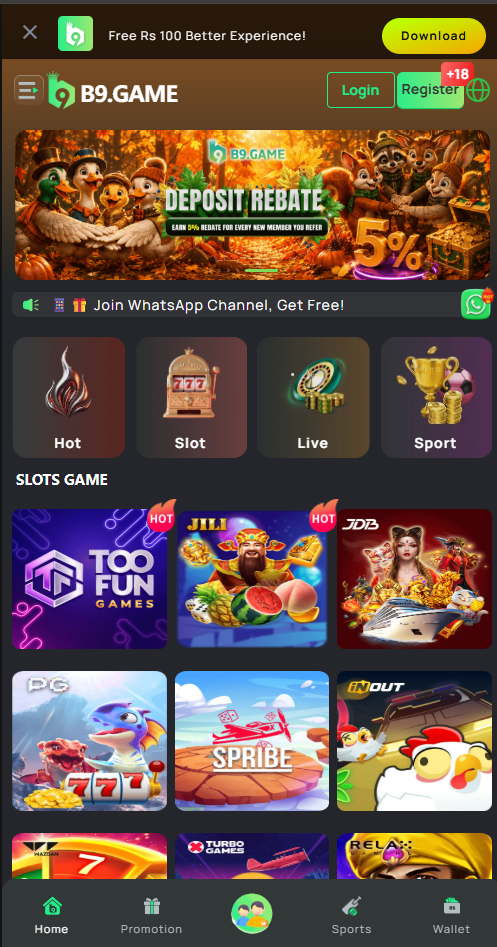
The b9 latest apk is a lightweight build — roughly 28 MB installed — that carries the full slot library, the wallet and every promotion. Install once and your account, balance and history follow you across devices.
Installing the b9 apk on Android
The app is distributed directly rather than through the Play Store, which is normal for this category. The one extra step is a single Android permission you grant once and never think about again.
Open the official download page
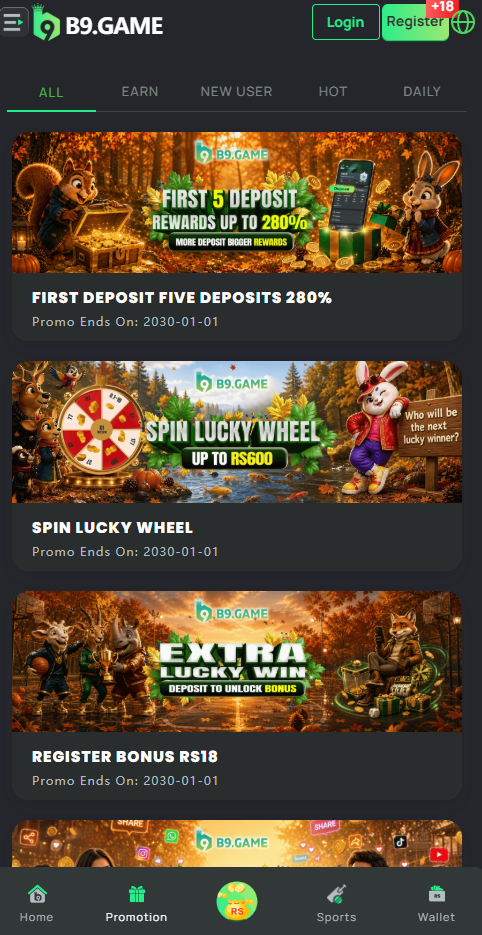
Tap Download Latest APK anywhere on this page. It opens the official b9 game page with your bonus eligibility already attached to the visit.
Register your account first
Create your account before installing. Use the mobile number linked to your JazzCash or Easypaisa wallet — matching details make your first withdrawal verification immediate rather than manual.
Save the apk file
Tap the download prompt. Chrome may ask you to confirm the file type; choose Download anyway. The file lands in your Downloads folder and takes a few seconds on a normal connection.
Allow installation from unknown sources
Android will ask permission the first time you install an app from outside the Play Store. Tap Settings in the prompt, enable the toggle for your browser, then go back.
This warning appears for every directly distributed appInstall and sign in
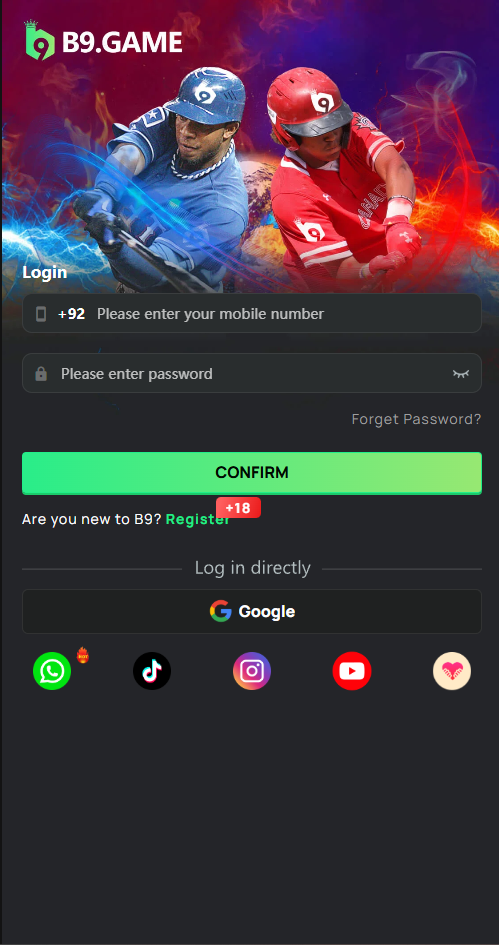
Open the downloaded file and tap Install. Sign in with the account you just created, and the full lobby loads with your welcome bonus ready to claim at the cashier.
Download from the official link only
Copies of the b9 apk hosted on third-party mirror and file-sharing sites may be repackaged with unwanted code. Always install from the official page linked here or from the update notice inside the app.
Using b9 game on iOS
There is no apk on iOS — Apple does not permit that installation route. Instead the platform runs as a full-screen web app that you add to your home screen. Functionally the difference is negligible: same account, same balance, same games, its own icon.
Step 1 — open in Safari
Chrome on iOS cannot add home-screen apps. Use Safari specifically.
Step 2 — tap Share, then Add to Home Screen
The share icon is the square with an upward arrow in the Safari toolbar.
Step 3 — launch from your home screen
The icon opens the lobby full screen, with no browser address bar.
Always current
The web app updates itself, so there is no manual version to chase.
App requirements and specifications
The build is deliberately conservative about hardware, because a large share of players in Pakistan are on mid-range or older devices.
Android
| Minimum OS | Android 6.0 (Marshmallow) |
|---|---|
| Recommended OS | Android 9.0 or newer |
| Install size | Approx. 28 MB |
| Free space needed | 150 MB including cached assets |
| RAM | 2 GB minimum, 3 GB recommended |
| Connection | 3G minimum, 4G or Wi-Fi recommended |
| Distribution | Direct apk from the official site |
| Price | Free |
iOS & browser
| Minimum OS | iOS 12 or newer |
|---|---|
| Install method | Safari → Add to Home Screen |
| Supported browsers | Safari, Chrome, Edge, Firefox, Opera |
| Desktop support | Windows, macOS and Linux browsers |
| Storage used | Cached assets only, clearable anytime |
| Updates | Automatic — no manual version |
| Account | Shared with the Android app |
| Price | Free |
Download & install troubleshooting
Almost every install problem falls into one of these six categories, and all of them have a two-minute fix.
Usually one of three things:
- An older version is still installed — uninstall it first, then retry
- Storage is nearly full — free at least 200 MB
- The download was interrupted — delete the partial file and download again
Mobile data connections that drop between cells will interrupt the transfer. Switch to Wi-Fi if you can, clear the partial file from your Downloads folder, and start again rather than resuming.
Google Play Protect flags applications distributed outside the Play Store as a matter of course — it is a distribution warning, not a malware finding. Choose Install anyway on the prompt. If you are not comfortable with that, use the browser version instead; it needs no install at all.
- Close background apps to free RAM — slots are graphically heavy
- Clear the app cache in Android settings, then reopen
- Enable data-saver mode in app settings on a limited bundle
- Restart the device if a game froze mid-round; your balance is server-side and safe
Check that you are entering the mobile number in the same format used at registration, including the country code where required. If the one-time code does not arrive, wait sixty seconds before requesting another — multiple rapid requests can invalidate earlier codes.
Still stuck? Message @bbxxyyz with your registered number and support can verify the account directly.
The app prompts you when a newer build is available. You can also download the current version from the official page and install it over the top — there is no need to uninstall first, and your account, balance and history are all preserved.
Every release is announced on the news channel before it ships.
Never pay for the b9 app
The app is free. Anyone charging a fee for the apk, offering a "modded" or "unlimited coins" build, or asking for your account password is running a scam. Official support will never ask for your password.
Get the latest b9 app and claim Rs 10,000
Free download, about a minute to install, and the welcome package is waiting at the cashier on your first deposit.
18+ only. Gambling involves financial risk and may be addictive. Play responsibly.